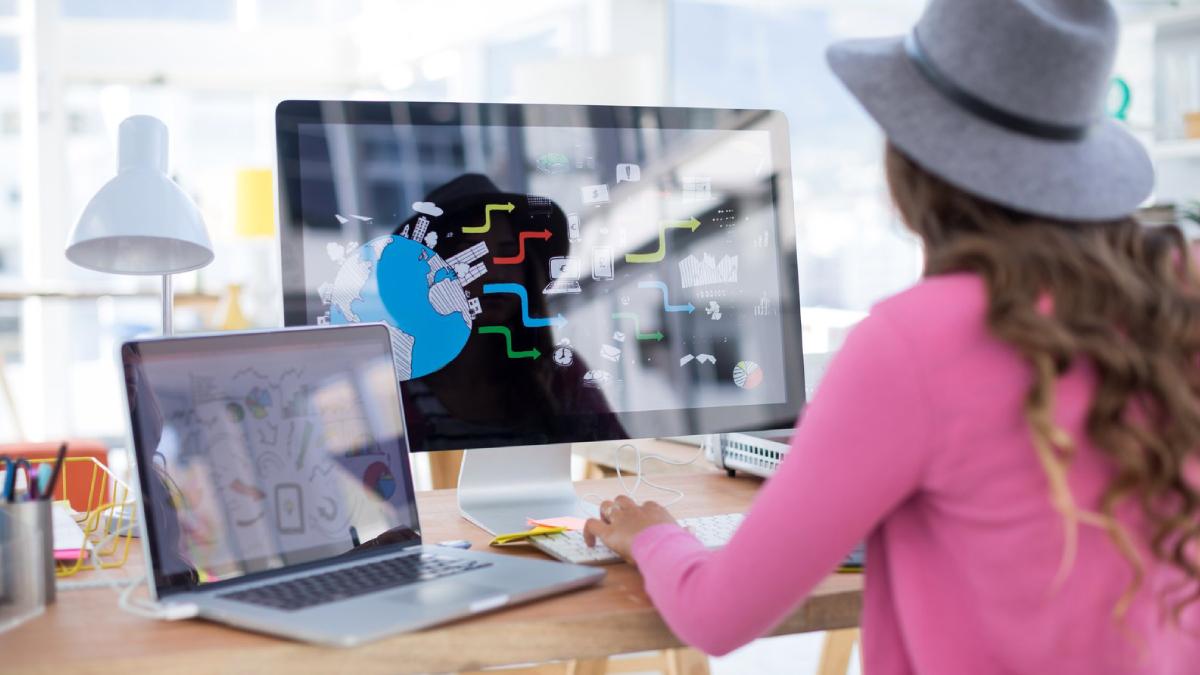
Graphic design has always been about creativity, visual communication, and storytelling. But in 2026, Artificial Intelligence (AI) has completely changed how designers create visuals. Today, AI tools can generate logos, posters, social media graphics, and even full branding systems in seconds.
Instead of spending hours designing manually, designers now use AI to speed up workflows, explore ideas, and create professional-quality visuals faster than ever before.
In this blog, we’ll explore the best AI graphic design tools, how they work, and why they are essential for modern designers.
What Are AI Graphic Design Tools?
AI graphic design tools are software platforms that use artificial intelligence to help create, edit, and improve visual content.
They can:
- Generate images from text
- Create logos automatically
- Suggest design layouts
- Enhance image quality
- Remove backgrounds
- Create branding materials
These tools combine creativity with automation.
Why AI Graphic Design Tools Are Important
AI tools are becoming essential because they:
- Save time for designers
- Reduce design complexity
- Generate creative ideas instantly
- Improve productivity
- Make design accessible for beginners
1. Canva – Best All-in-One AI Design Tool
Canva is one of the most popular AI-powered design platforms in the world.
Key Features:
- AI design suggestions
- Drag-and-drop editor
- Templates for social media, logos, posters
- Background remover
- Magic design tools
How AI helps:
- Automatically generates design layouts
- Suggests color combinations
- Creates social media posts instantly
Why designers use it:
- Easy for beginners
- Fast content creation
- Huge template library
Result:
- Professional designs in minutes
- Faster workflow
- No advanced skills required
2. Adobe Firefly – Best for Professional Designers
Adobe Firefly is Adobe’s powerful AI design platform integrated into Creative Cloud.
Key Features:
- Text-to-image generation
- AI-powered editing
- Typography suggestions
- Advanced creative tools
How AI helps:
- Generates realistic visuals from text prompts
- Enhances Photoshop workflows
- Suggests design improvements
Why designers use it:
- Professional-grade output
- Strong Adobe ecosystem
- High-quality AI generation
Result:
- Advanced creative control
- High-end designs
- Industry-standard output
3. Figma AI – Best for UI/UX Design
Figma is widely used for UI/UX design with AI-powered features.
Key Features:
- AI layout suggestions
- Real-time collaboration
- Design system automation
- Plugin-based AI tools
How AI helps:
- Suggests UI improvements
- Generates interface layouts
- Automates repetitive design tasks
Why designers use it:
- Perfect for teams
- Cloud-based collaboration
- Fast prototyping
Result:
- Better app and website designs
- Faster UI development
- Improved teamwork
4. MidJourney – Best for AI Image Generation
MidJourney is one of the most powerful AI tools for creating artistic visuals.
Key Features:
- Text-to-image generation
- High-quality artistic styles
- Creative concept generation
- Unique visual outputs
How AI helps:
- Converts text prompts into images
- Creates concept art instantly
- Generates unique design ideas
Why designers use it:
- High creativity output
- Unique artistic style
- Great for concept design
Result:
- Stunning visuals
- Creative inspiration
- Fast idea generation
5. DALL·E – Best for Realistic AI Images
DALL·E is an AI model that generates realistic images from text prompts.
Key Features:
- Realistic image creation
- Text-to-image conversion
- Image editing capabilities
- Creative variations
How AI helps:
- Produces lifelike visuals
- Edits existing images
- Generates design concepts
Why designers use it:
- High-quality realism
- Easy prompt-based design
- Fast image creation
Result:
- Professional visuals
- Faster content creation
- Creative flexibility
6. Runway ML – Best for AI Video & Design
Runway ML is an advanced AI tool for both graphic design and video creation.
Key Features:
- AI video editing
- Image generation
- Background removal
- Motion graphics tools
How AI helps:
- Automates video editing
- Generates visual effects
- Enhances design workflow
Why designers use it:
- All-in-one creative platform
- Strong video + design support
- Easy AI tools
Result:
- Faster content creation
- High-quality visuals
- Professional editing
How AI Graphic Design Tools Work
AI design tools work by:
- Analyzing large datasets of images and designs
- Learning design patterns and styles
- Understanding user prompts
- Generating visual outputs based on inputs
They combine machine learning and generative AI to create designs instantly.
Benefits of AI Graphic Design Tools
1. Faster Design Process
AI reduces design time from hours to minutes.
2. Easy for Beginners
No advanced design skills needed.
3. Creative Inspiration
AI generates new ideas instantly.
4. Cost-Effective
Reduces need for large design teams.
5. High Productivity
Designers can focus more on creativity.
Real-World Example
Imagine a marketing agency:
Before AI tools:
- Designers create everything manually
- Slow revisions
- Limited creativity speed
After AI tools:
- AI generates multiple design options instantly
- Faster client revisions
- Automated branding assets
Result:
- 3x faster design workflow
- Better creativity
- Higher client satisfaction
Challenges of AI Graphic Design Tools
1. Lack of Human Creativity Depth
AI may lack emotional design thinking.
2. Overused Templates
Some AI designs can feel repetitive.
3. Dependency on Tools
Designers may rely too heavily on AI.
Future of AI in Graphic Design
The future includes:
- Fully AI-generated branding systems
- Real-time design assistants
- Voice-controlled design tools
- Hyper-personalized visuals
Design will become faster, smarter, and more automated.
Conclusion
AI graphic design tools are revolutionizing the creative industry. From Canva and Adobe Firefly to MidJourney and DALL·E, these tools are making design faster, easier, and more accessible.
Designers who embrace AI today will stay ahead in the future creative industry.